
How to Automate CAD Drawings for Custom Orders — An Engineer’s Guide to Never Redrawing a Variant Again
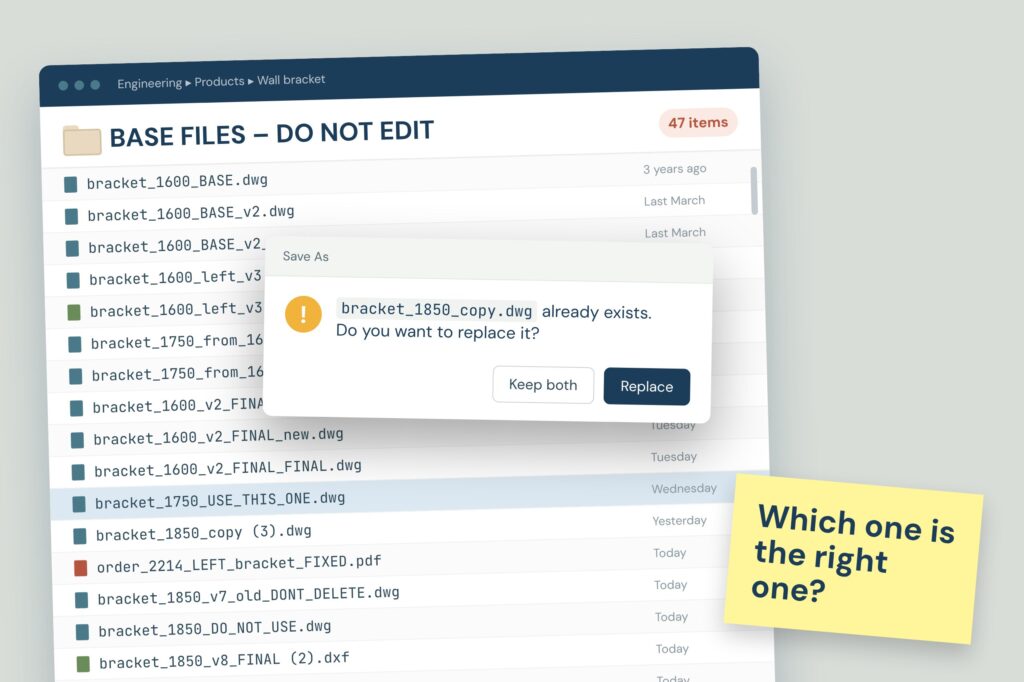
If your product changes a little with every order, define the rules once in a configurator, and every valid configuration produces its own drawing and CAD files automatically.
How to build product configurators together with AI
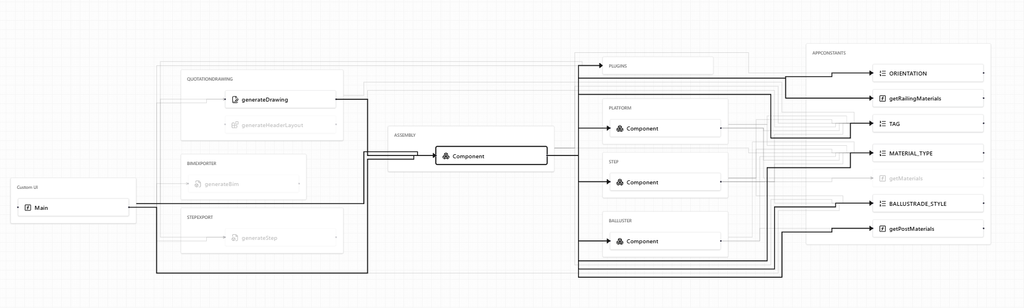
Use your favourite LLM tools through the browser interface for correct context and remain in the driver seat while building product configurators.
How to add a configurator to your product page
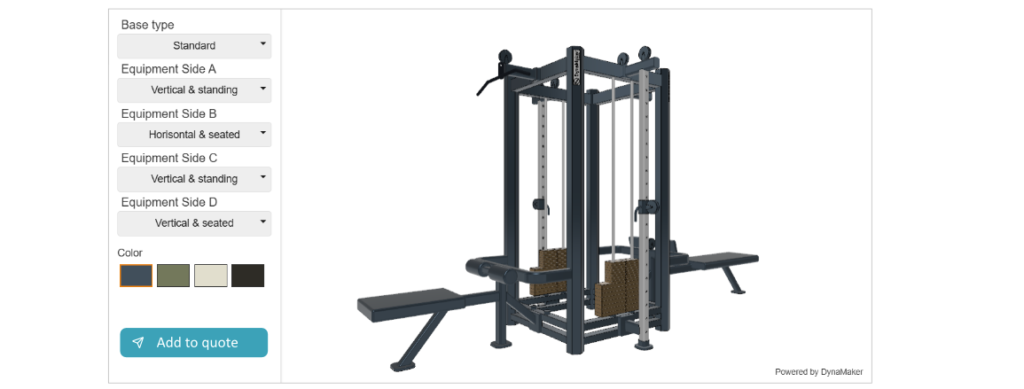
For companies that manufacture products there is usually product pages available on the company website where the visitor can read about the product and find relevant information similar to a traditional product catalogue. The product page is an excellent place to add a product configurator, or at least to find a button or link to […]
How a checkout page should work in a customer portal

The checkout page and it’s behavior is the central point for a well functioning customer portal – it needs to handle configured BOM on each row and might change behavior depending on the users role.
How to migrate excel sheets to online product configurator
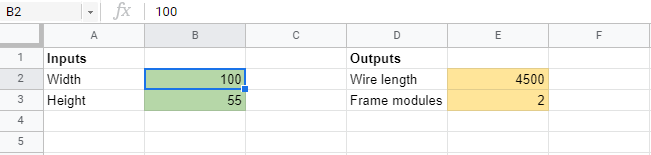
Excel sheets are powerful but difficult to use online. In this guide we provide the steps to take when going from a spreadsheet to an online product configurator.
How to Get Automatic BOMs from Configurations – An Engineer’s Guide to Never Building a Parts List by Hand Again

Build your product’s rules once in a visual configurator, and every valid customer configuration comes with its BOM already assembled — no more opening a spreadsheet and counting fasteners every time someone wants something slightly different.
Dictionary for on-demand manufacturers

There are a lot of tricky abbreviations in the world of on-demand manufacturing. Here we have covered some of them.
How to create a maintainable CAD configurator structure

Creating stuff is easy. Creating structure is hard. A recommended way to organize Applications, Packages, Components, and Libraries in DynaMaker.
Make it like yesterday’s quote, but with changes in X, Y and Z.

You’re the only one who knows which variations are buildable, so every small tweak routes through you. Training someone doesn’t fix it — the knowledge needs to leave your head entirely.
How to create a landing page for product configurators
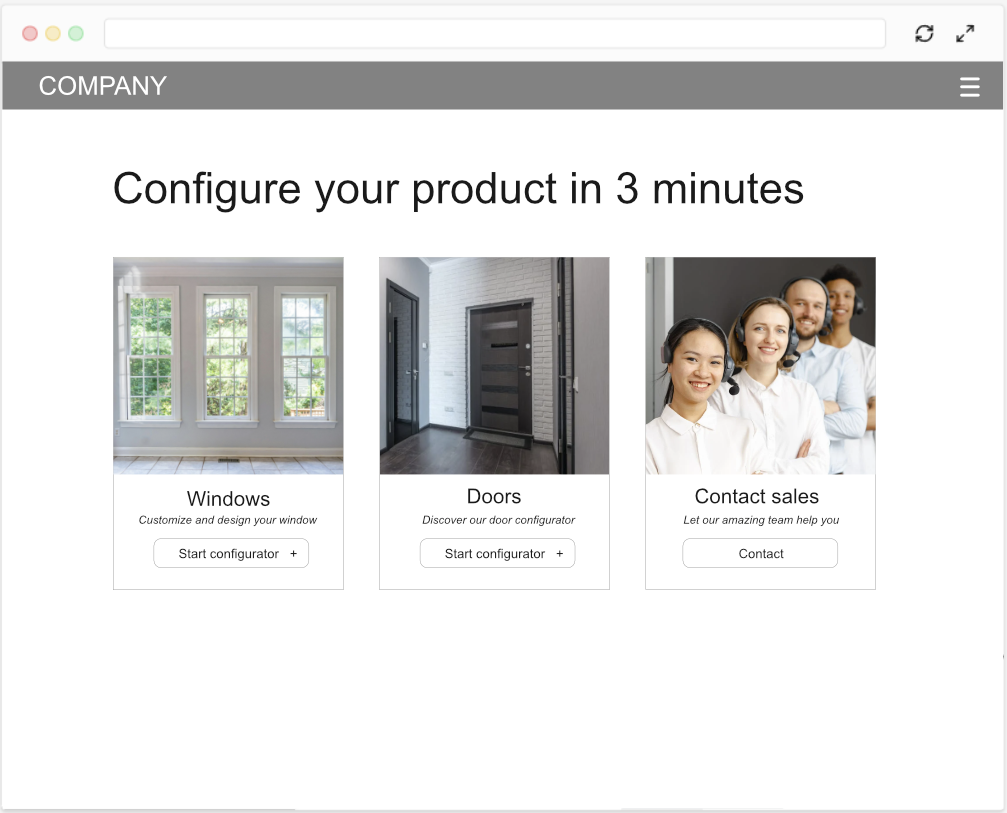
Give sales, distributors, and website visitors a clear starting point with a dedicated landing page for your configurator.