Build Product Visualization

No more explaining what the product will look like.

Let visualization answer the questions, so you don't have to.

Image of a person using a DynaMaker application on a tablet.
Visualization

Ways to visualize your product with DynaMaker

an upload icon

Import Files

Painlessly upload and reuse already made CAD files, images and textures.

logo of DynaMaker

Built-in Editor

Flexibly create new parametric 2D and 3D models in DynaMaker.

Prefer not to build this yourself?

Certified partners can build it for you. Get matched with a partner.

Implementation

How to build your product visualization

a puzzle icon

Built to assemble

Combine uploaded parts with DynaMaker parts into one assembly.

an upload icon

Connect to configuration

Make user inputs to instant, visible changes.

a cube icon

Add your extras

Control camera movement, add visual cues or click interaction.

User Interaction

What the user will see

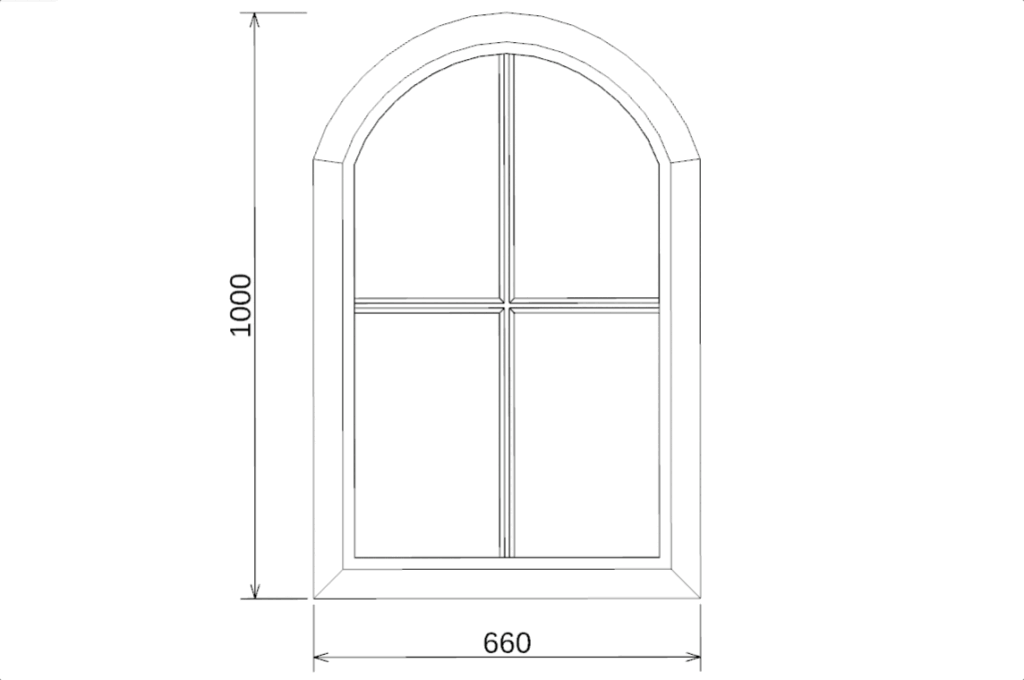
a parametric window in 2D

2D

Show flat layouts, cross-sections, or technical views.

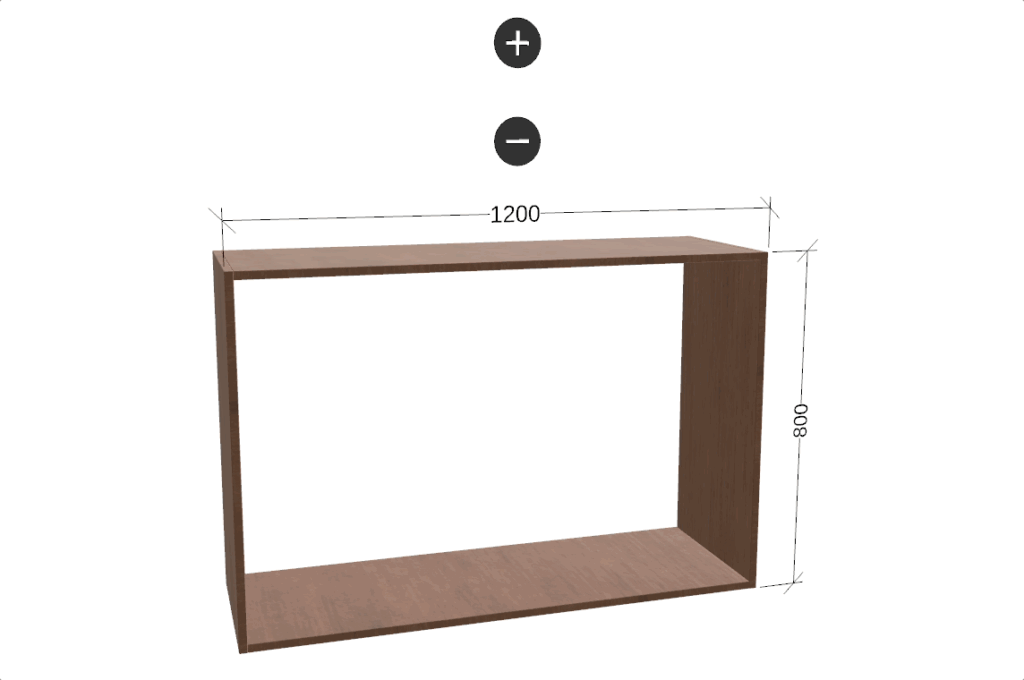
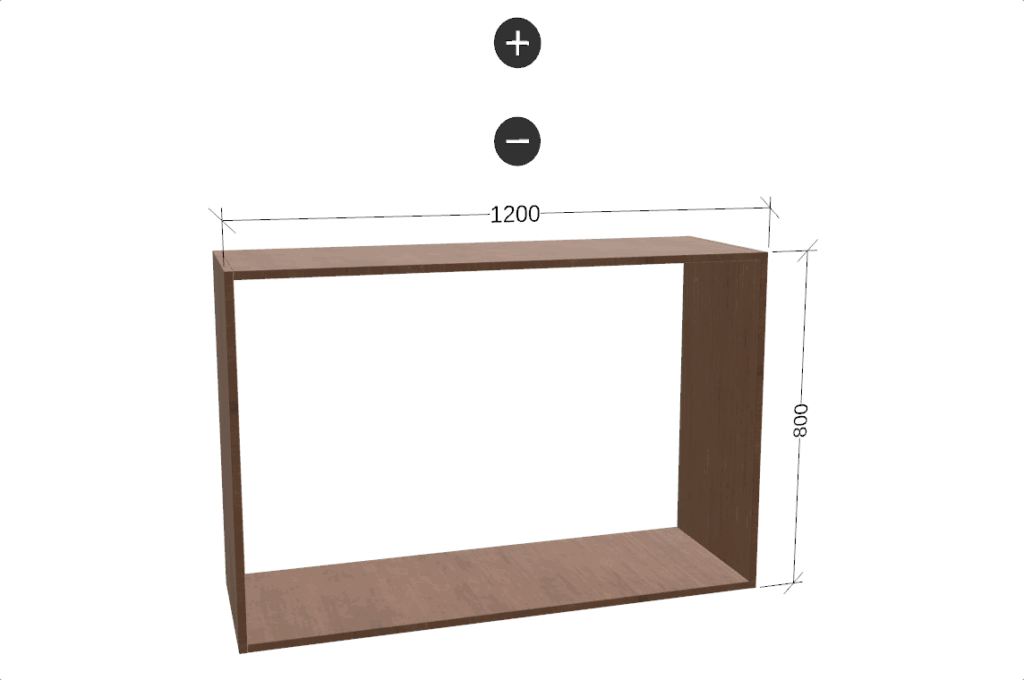
a steel shelf looped to display 3D capabilities in DynaMaker

3D

Let customers see the real product, from every angle, before they order.

an example of combined 2D and 3D in a configurator

Combined 2D & 3D

Pair a 3D view with 2D detail.

an example of mouse interaction used in a configurator

Mouse Interaction

Click, drag, add, remove and rotate parts.

an example of drag and drop used in a configurator

Drag & Drop

Move parts into place by hand, no menus or dropdowns required.

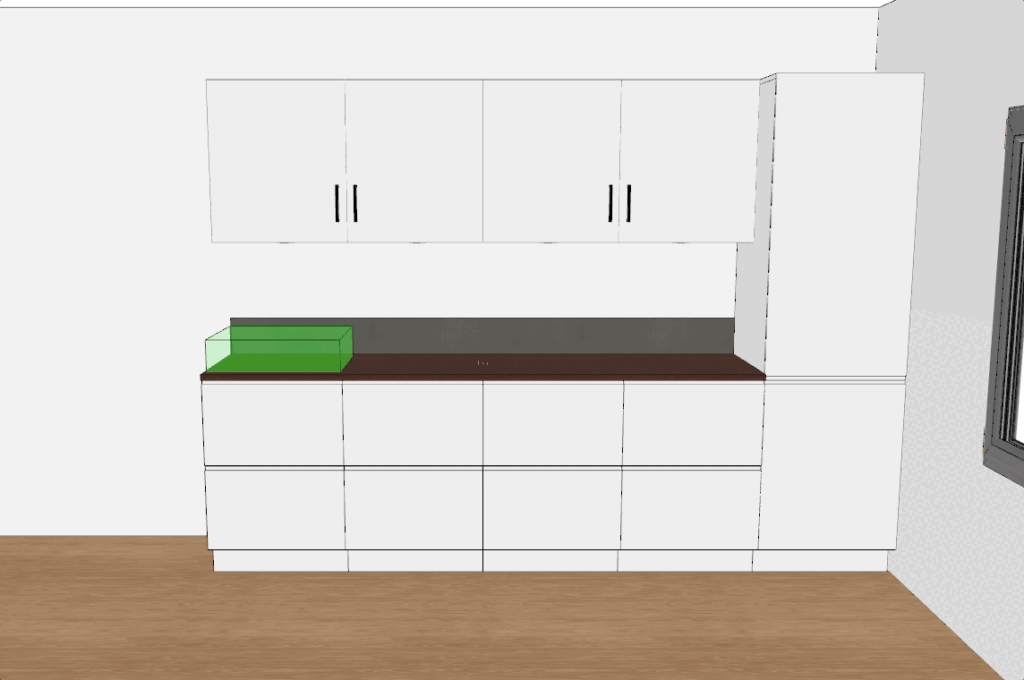
a loop of visual aid used in a kitchen configurator

Rule Guided Placement

Parts snap into valid positions automatically — no invalid configurations possible.

Next Steps

Add CAD Document Automation to your application to vastly accelerate the process of making error-free orders.

Stop imagining your product.

Visualize it.