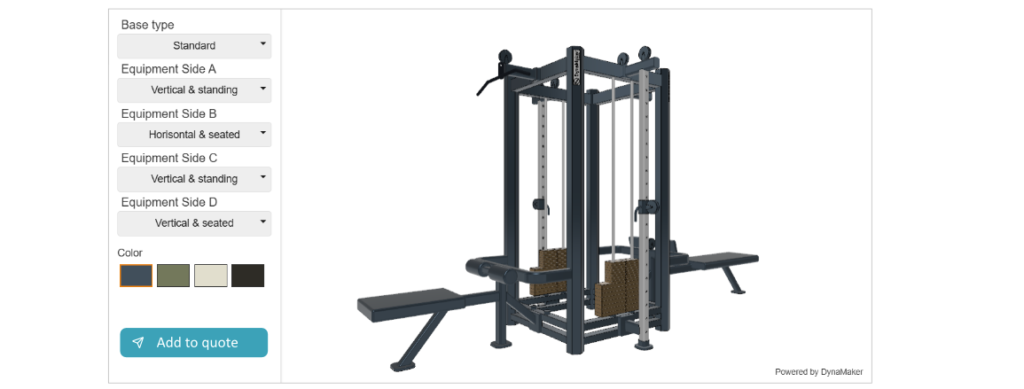
For companies that manufacture products there is usually product pages available on the company website where the visitor can read about the product and find relevant information similar to a traditional product catalogue.
The product page is an excellent place to add a product configurator, or at least to find a button or link to go to the configurator (“design your configurator”). This is how you add it
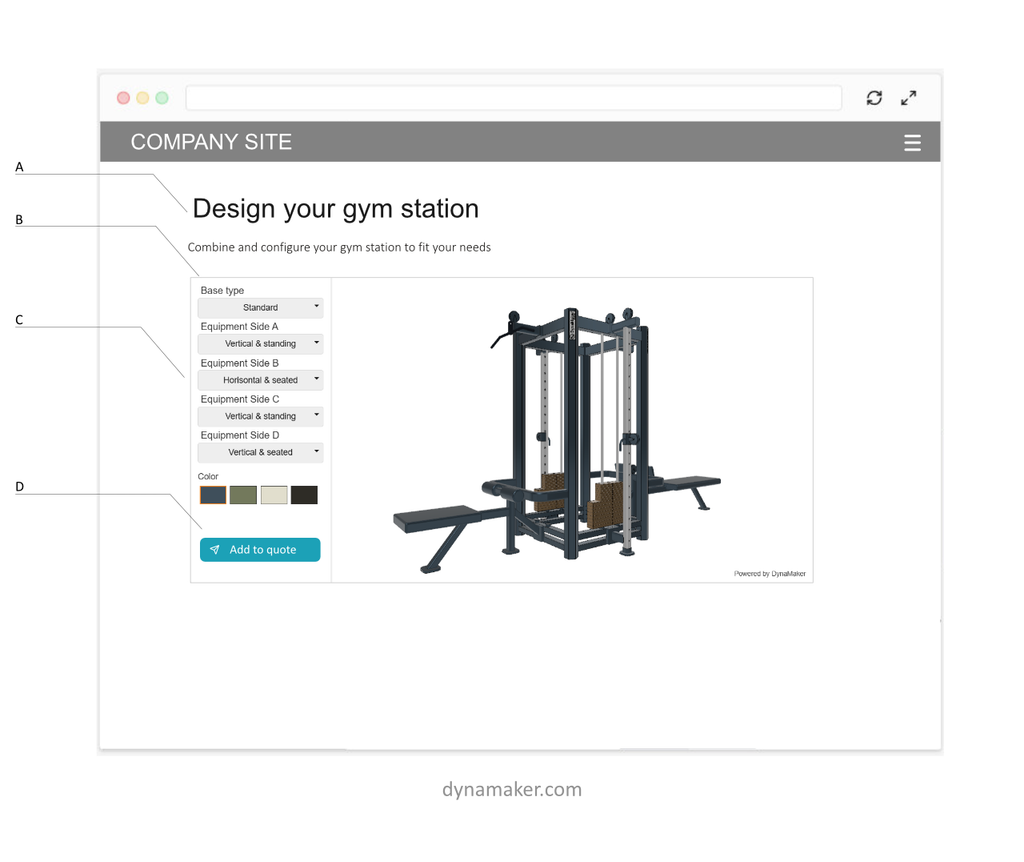
A: “Design your..” headline on top
Ensure there is a clear headline that makes the user understand the intent.
B: Separate product configurator from videos and images
Since the majority of the content online is either images or videos it’s important to make sure the user understands that your product configurator is an interactive tool. Adding a border frame and making sure the choices are clearly signaling inputs is a good start. Other ways are having overlays with a button saying something like “Click to start”.
C: Present the configurator choices clearly
Make sure the user understands what to interact with and what options there are. Traditional design of dropdowns and input fields is a straight forward way to achieve this.
D: Add to quote clearly visible
With a clear add to checkout visible the user understands that it can add it to the quote (similar to checkout in e-commerce) and that it’s not purchased or submitted just yet. This eliminates the need of save buttons and additional states