Painlessly upload and reuse already made CAD files, images and textures.
Flexibly create new parametric 2D and 3D models in DynaMaker.
Certified partners can build it for you. Get matched with a partner.
Combine uploaded parts with DynaMaker parts into one assembly.
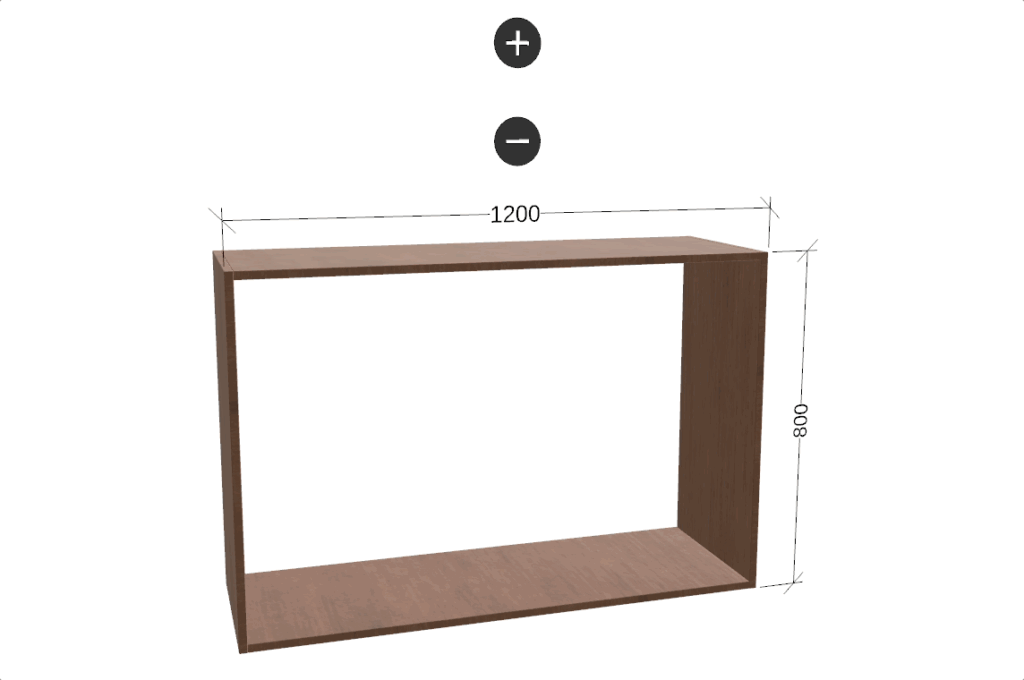
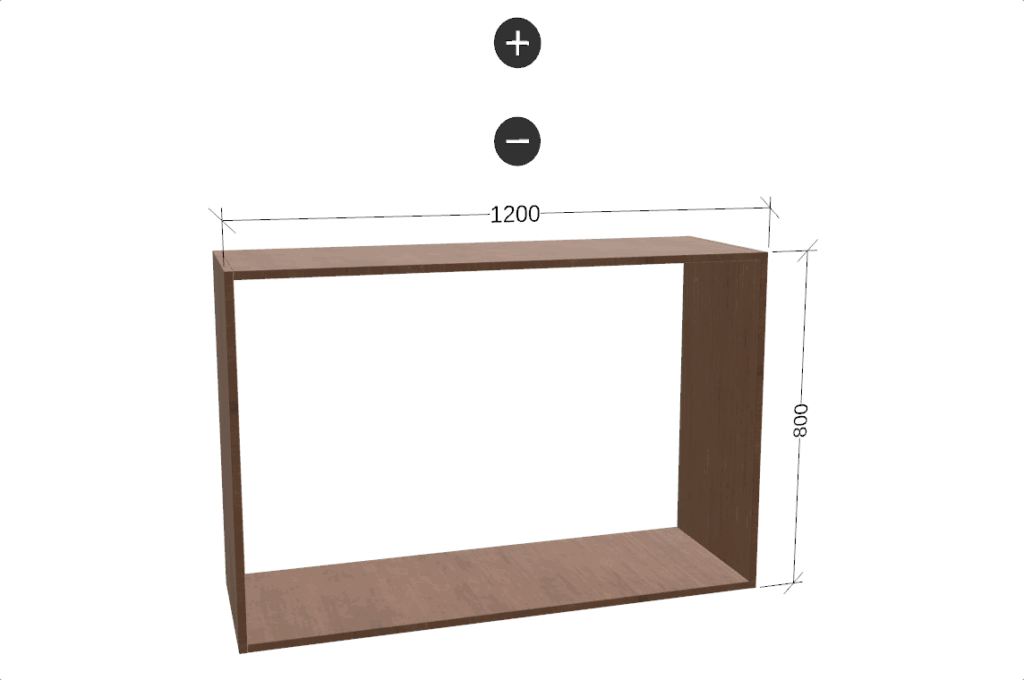
Make user inputs to instant, visible changes.
Control camera movement, add visual cues or click interaction.
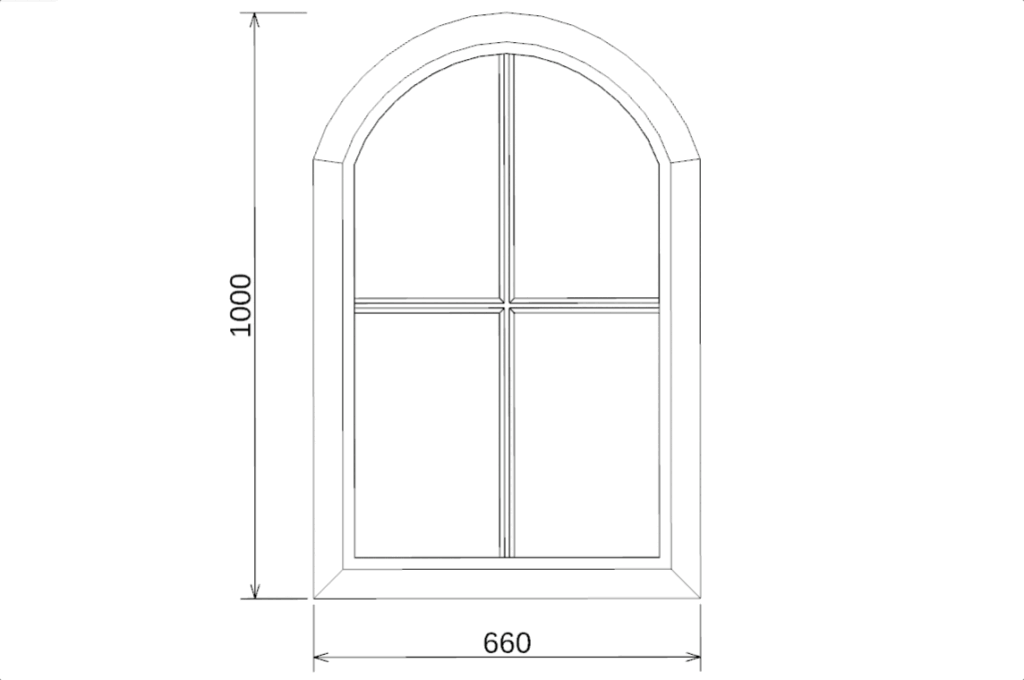
Show flat layouts, cross-sections, or technical views.
Let customers see the real product, from every angle, before they order.
Pair a 3D view with 2D detail.
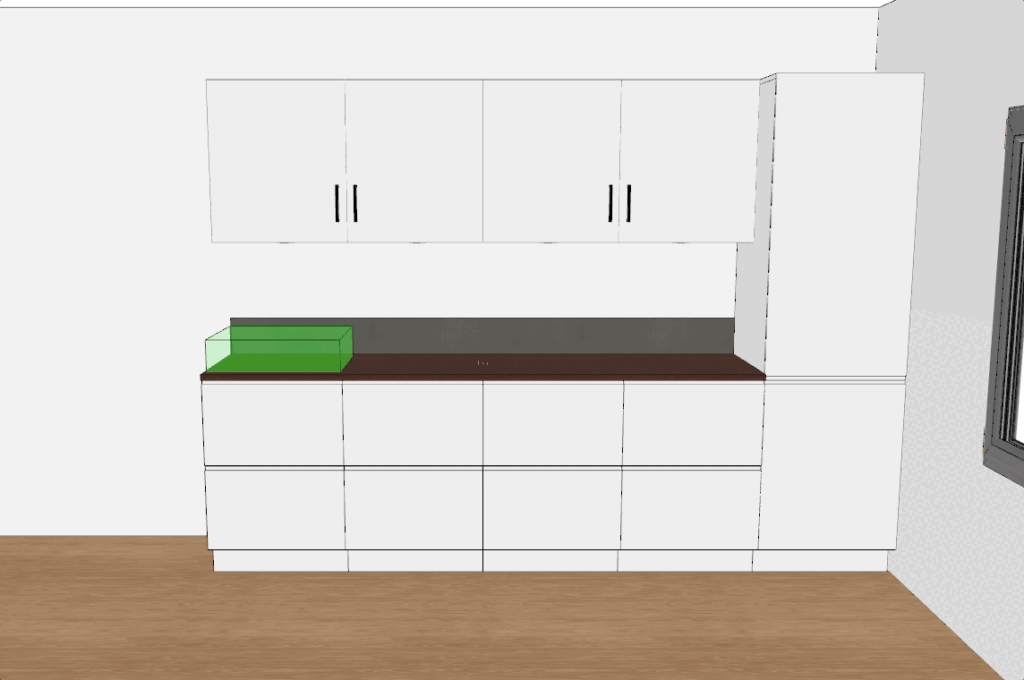
Click, drag, add, remove and rotate parts.
Move parts into place by hand, no menus or dropdowns required.
Parts snap into valid positions automatically — no invalid configurations possible.