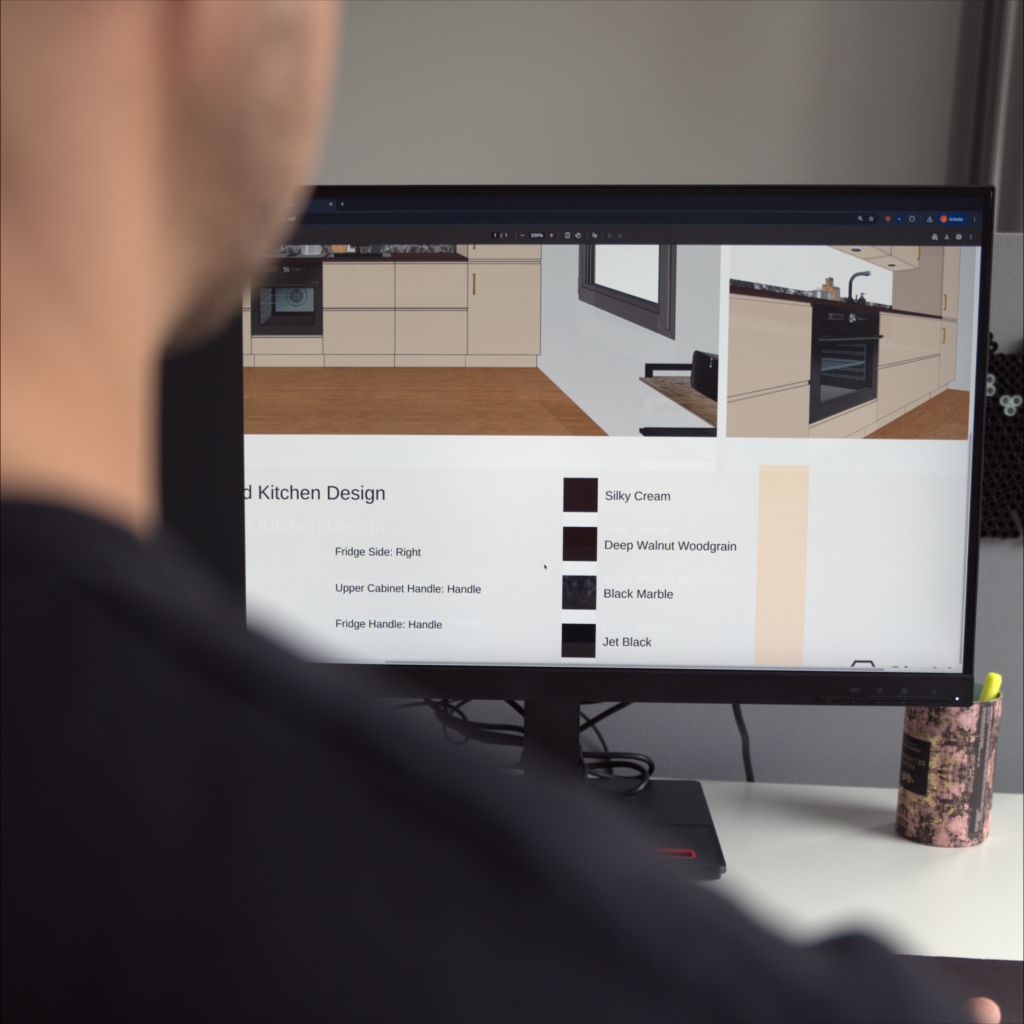
A lazy engineer is a smart engineer. Set the rules for a product once, and DynaMaker draws every variant for you: the 3D model, the drawings, the files. No developer background needed.
At a lot of manufacturers, a big part of an engineer's week looks the same. A customer wants the product you already have, just 30 mm wider. So you open the old drawing, change the numbers, check it, export it and send it on. Then the next order comes in.
It's safe, it's necessary, and it's not why you studied engineering.
The smart move is to be the lazy engineer: do the thinking once, properly, and let a system handle the repeats. That's what DynaMaker is for.
The solution
What is DynaMaker?
Think of a company that makes garage doors. Every customer wants a slightly different size, colour or opening, and normally an engineer redraws the door for each order.
With DynaMaker, the engineer describes the door once: what can change, what the limits are and how the parts depend on each other. The result is a product configurator, a web page where the customer picks what they want, sees it in 3D, and the production drawings are created automatically.
Manufacturers across Europe use it to sell custom products without redrawing every order. As a student, you can use the same tool for free.
How it works
How engineers work launch self-service configurators
You already know the product: what combinations go together, how drawings should look like and what can be produced.
DynaMaker lets you move that from your head to a system.
Step 1
Set product rules
Decide what can change, what the limits are and what depends on what. Limits, if/then logic and formulas: the same reasoning you’d do on paper.
Step 2
Add CAD visualization
Upload CAD files or create parametric 2D and 3D models from scratch and connect to your product. When you change an option, the it will be visualized instantly.
Step 3
Get drawings and files
Every valid configuration produces its own drawings and CAD files: PDF, DXF and STEP. The repetitive part is gone. Set up your own drawing and file download templates.
Step 4
Publish on the internet
In a few clicks you go from a preview to a live configurator, ready to be used on a website.
Why it's worth an afternoon
Three good reasons to try it before you graduate.
Career
Spend your time on the interesting part
Engineers who can automate their own repetitive work get to do more real engineering. It’s a good skill to have before your first job, not after.
Real industry examples
See what manufacturers are doing
Most companies don’t sell one product. They sell thousands of variants of it. You’ll see how that’s handled when it’s done well.
Portfolio
Build something to show
A working configurator is a strong project for your portfolio, a course or your thesis, and it’s more fun to demo than a slide.
Get started
Your first configurator in under an hour
Three steps from zero to a product that draws itself.
Step 1
Create a free account
You’ll go straight into build-mode.
Step 2
Follow our first tutorial
It walks you from an empty project to a working configurator. Check it out.
Step 3
Make it your own
Pick something you recently worked on in CAD and make it configurable.
Three steps from zero to a product that draws itself.
Is it really free to try?
Yes, trying DynaMaker out is completely free. Our documentation and webinars are publicly available. You can publish your DynaMaker configurator with a Student subscription.
Do I need CAD experience?
Yes, CAD experience is recommended. The visualization in DynaMaker in is built on CAD technology and you can upload your own CAD files and use them.
Can I use DynaMaker for my thesis?
Yes, you can. Get in touch with us to get a student subscription.