No more explaining how the product will look like.
Visualizing product configuration stops the customer questions and doubts. With dynamic product visualization build with CAD technology, any product can be accurately visualized.
By crafting your product visualization to go with your product configurator, you guide the user and show them exactly what they need to see. Let the product visualization answer the questions instead of you.

Visualize your parts in 2D/3D – import or build parametric models
There are many ways to create the visualization of the individual parts in an assembly. Upload and compress files from your existing CAD software or use DynaMakers online environment to build lightweight parametric visualizations in 2D/3D.
Import from your CAD-system
Upload lightweight individual CAD parts and apply compression and style modifiers

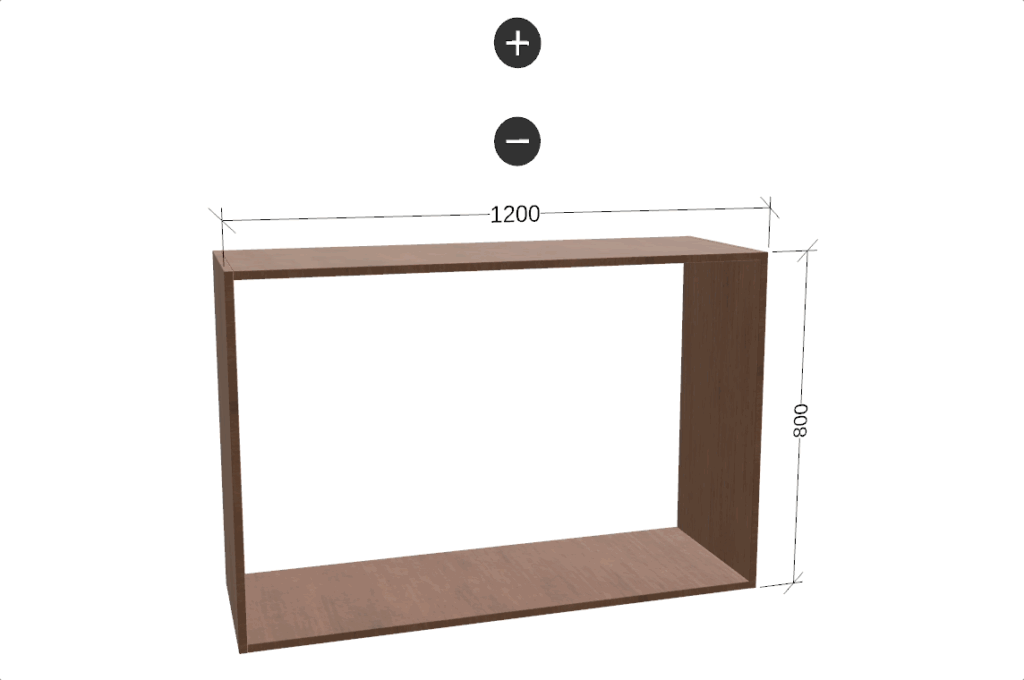
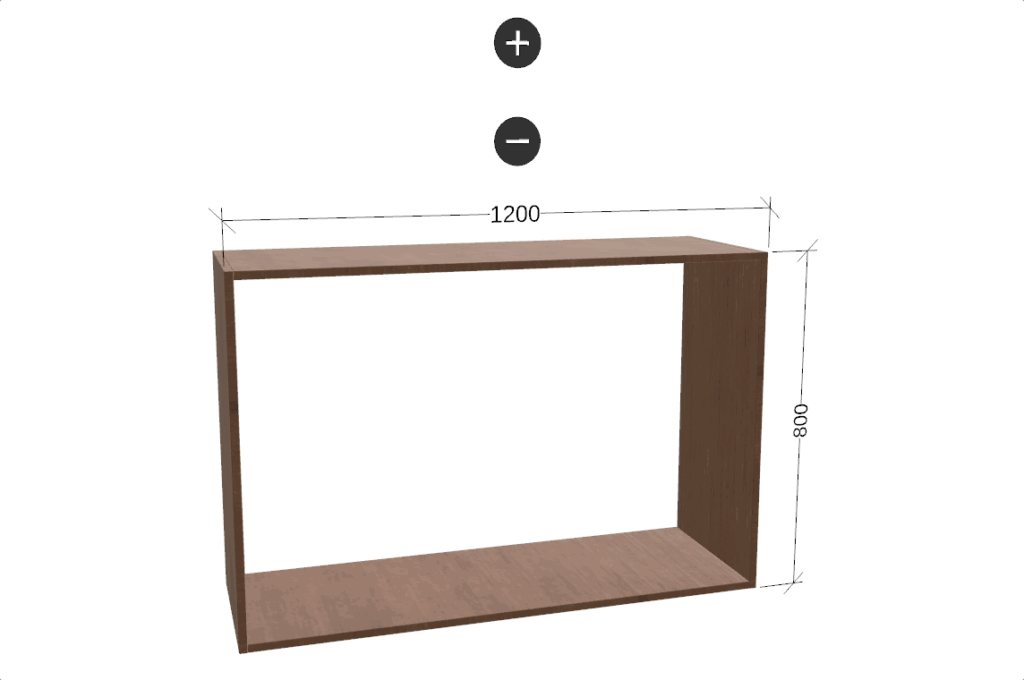
Parametric 3D modelling
Create your own parametric 3D-models in DynaMaker and connect to parameters from configurator

Parametric 2D modelling
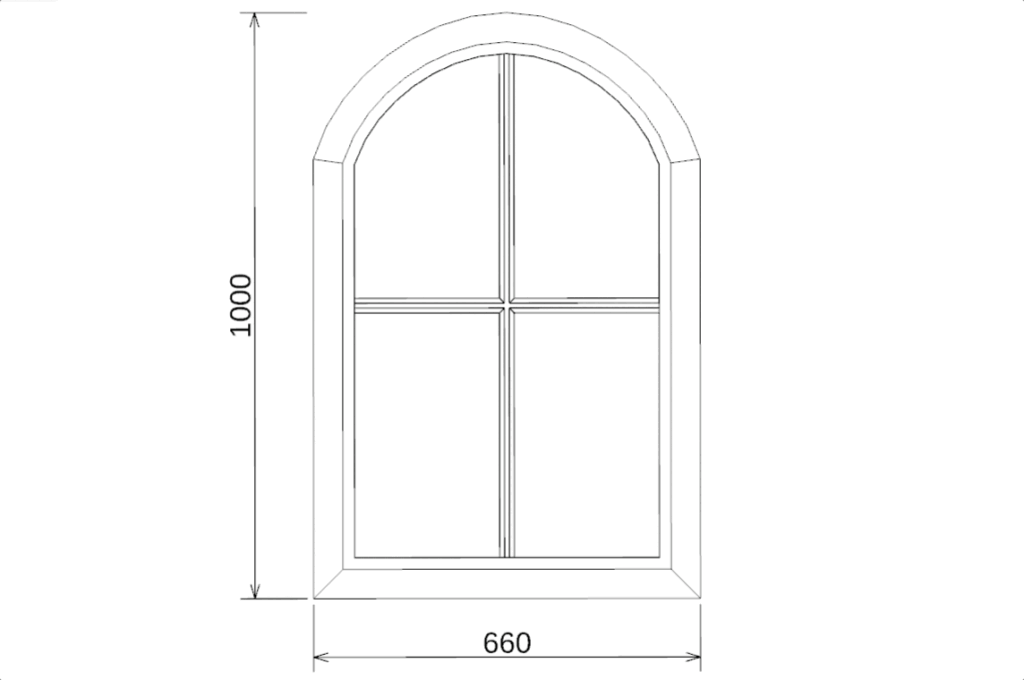
Sometimes just 2D geometry can be enough to explain how a product works. Use imported DXF or designed fully online.

Create dynamic assemblies in DynaMaker
Configurable products usually come in too many variations for it to be possible to make images of every version of assembly in advance (learn more). That’s why building a dynamic assembly in DynaMaker is important when making your visual CAD configurator.
There are three main types of assemblies in DynaMaker: Basic, Parametric and Sequential.
Basic Assembly
Fixed places for every CAD part with visibility defined by configurator

Parametric Assembly
Dynamically changing assembly based on parameters and layouts

Sequential Assemblies
Multiple instances of sub-assemblies in a sequence with connectors

Interactable visualizations
Interacting with the visualization in 2D/3D is an intuitive way to help users explore and configure a product.
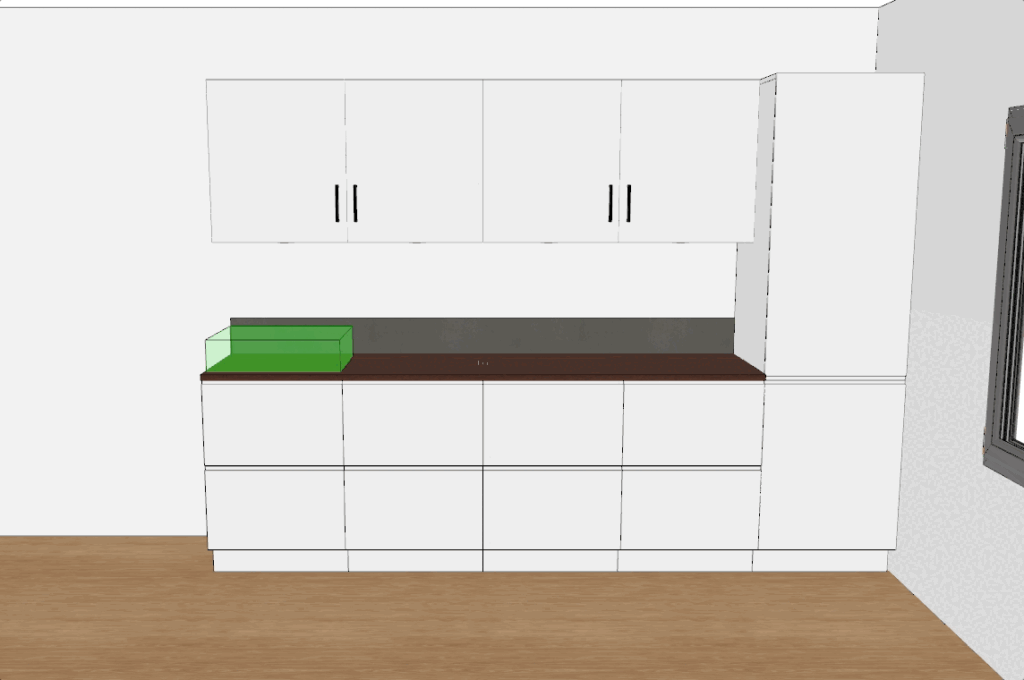
Clicking 3D buttons, selection of geometry and drag & drop of parts to modify the configuration in a controlled manner.

From visualization to CAD files for quotations and manufacturing
The visualization in DynaMaker is built on CAD technology. Once the configuration is complete, you can automatically create PDF drawings, CAD files such as STEP or BIM. These files can all be exported automatically and sent attached to a quotation or to the shopping cart, saving a lot of time in the process.