CAD files for quotations, orders and manufacturing
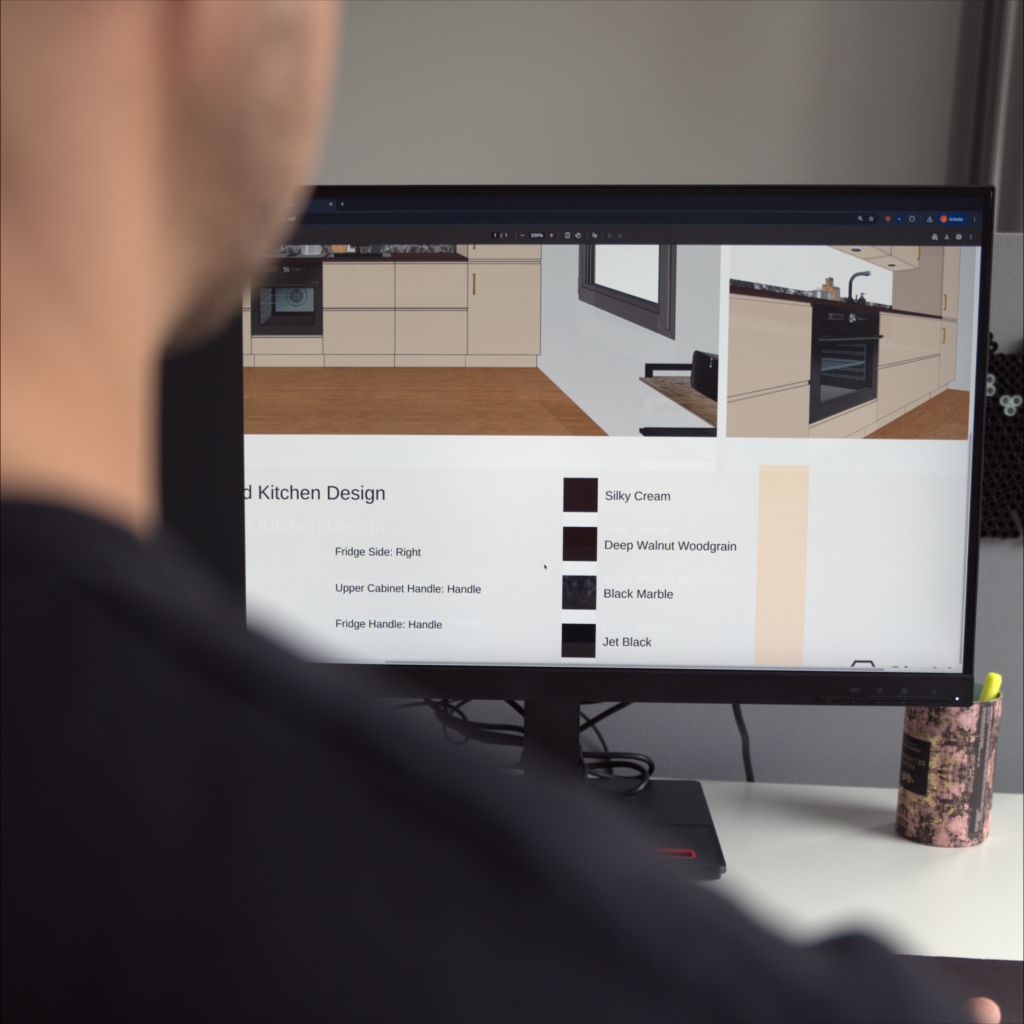
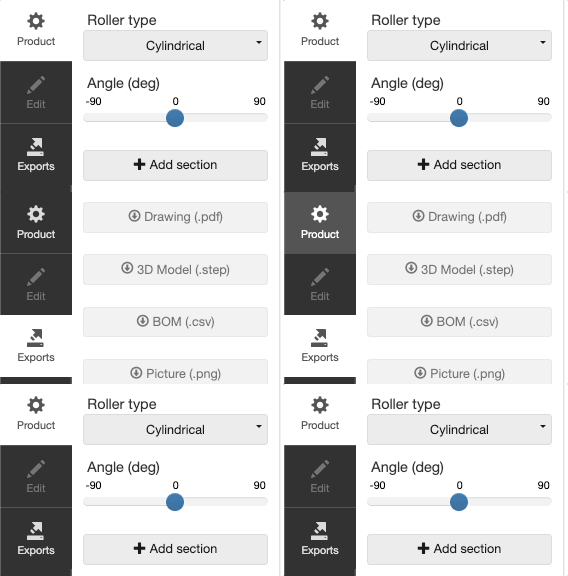
Configured products equal unique specifications and attributes. From DynaMaker’s visualization, you can auto generate a wide variety of technical documentations. There is no need for engineers to make PDF drawings or produce STEP files for quotations. With DynaMaker, all files are generated automatically when your user requests a quote or places an order.

Automatic CAD file exports for many workflows
PDF drawings for quotations and sales
Drawings and product sheets are a great way of giving the customer proof of the quotation or order. With DynaMaker you can set up your drawing templates to your liking, for example following company guidelines. You can export multiple drawings for each configuration with different purposes, like customer drawings, manufacturing drawings or assembly drawings.

STEP and BIM files for professional workflows
What if you need the CAD file of a product to be used in other software and workflows? No problem! DynaMaker can automatically generate STEP or BIM files from the configuration that the user can receive and use in a bigger assembly in CAD or architectural software.

Images for quotations and more
You can easily generate images from the configuration and paste in a drawing, add in a quotation or send as a separate file along with quotation documents.

Files and data for manufacturing
DynaMaker can also output data that can be used for other purposes: files and instructions can be created and sent internally to automate further:
- DXF Files
- Cut lists
- Hole tables
- Data sheets

Real-time visualization of product configuration
The CAD exports such as quotation PDF drawings or STEP files are great for the continuation of the sales and manufacturing process. But the process always starts with visual configuration. Read more about the visualization capabilities in DynaMaker.